Tzlil Yozevitch
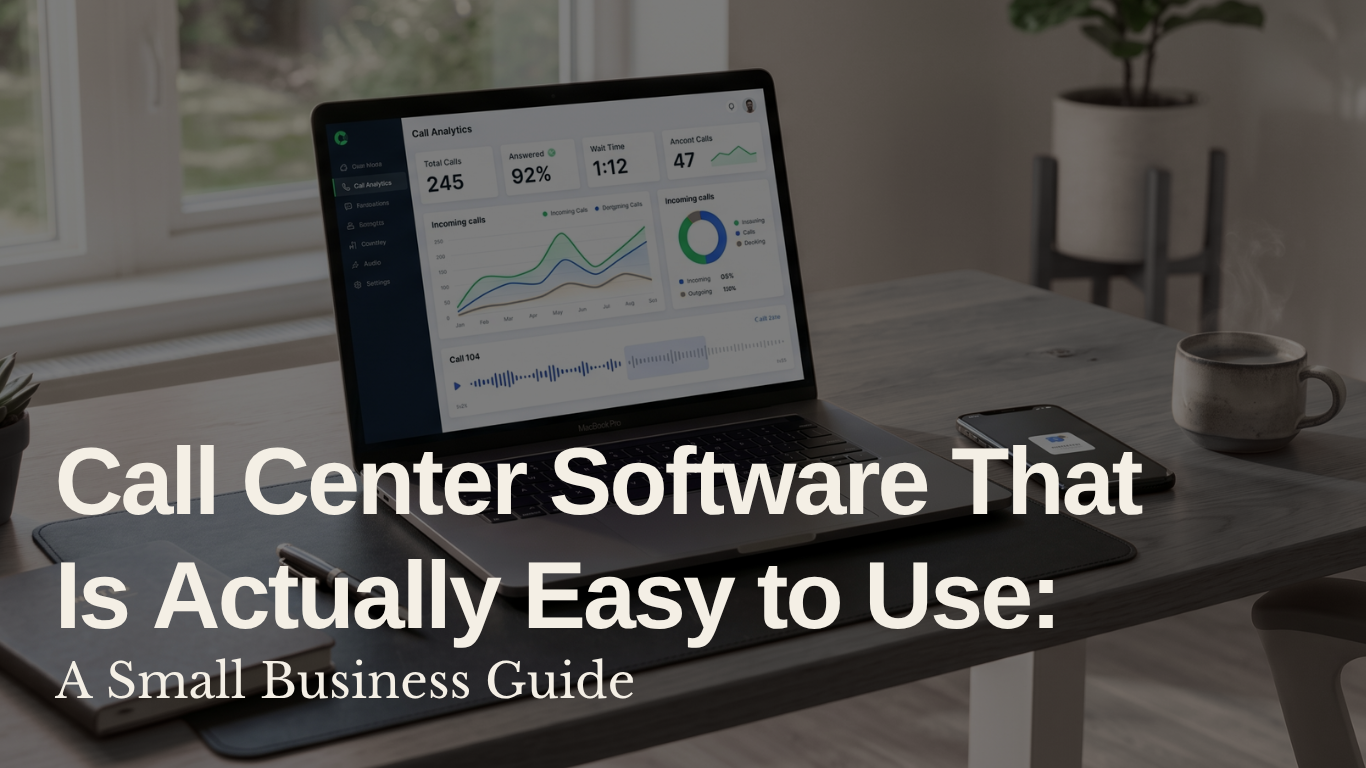
You start with a basic phone setup. It works, until it doesn't. Call volume picks up, missed calls start slipping through, there's no visibility into what's happening on calls, and suddenly your phone system is making you look less professional than you actually are.
This is one of the most common pain points small business owners raise when their teams start growing. The frustration is not just about the calls themselves. It's about the lack of tracking, the clunky workflows, and the feeling that every enterprise-grade solution out there was built for a 500-person company, not a lean team of five.
The good news: there are tools built for exactly this stage. Here is what actually works.
Before comparing platforms, get clear on what you actually need. For most small teams, the core requirements are:
If a platform cannot do those five things cleanly, the advanced features don't matter.
Aircall comes up most often for small teams moving off basic phone setups. Setup is straightforward, the interface is clean enough that new team members pick it up quickly, and it integrates with most common CRMs out of the box. Call routing works reliably and the pricing is structured per user, which keeps costs predictable at small scale. One real-world note from a business owner who made the switch: "setup was way simpler than expected and the team picked it up quickly. It actually made us look more professional."
CloudTalk is another strong option for small call center teams. It is built specifically for sales and support use cases, with call queuing, IVR, and analytics that go deeper than most basic VoIP tools without requiring enterprise-level configuration. Particularly useful if your team handles a mix of inbound and outbound calls.
RingCentral is the more established option. It has more features and more complexity, which means it can feel like overkill for a team of five but becomes very useful once you're managing more agents, more integrations, and more call volume. Worth considering if you expect to scale quickly.
CallRail and Nimbata are worth looking at if call tracking and attribution are a priority. These are particularly useful if you run paid advertising and want to tie incoming calls back to specific campaigns.
Here is the thing most comparisons leave out. Getting your calls routed and logged is step one. Understanding what is actually happening on those calls is step two, and most small business owners never get there.
Visibility into missed calls is useful. Visibility into what your team is saying, how customers are responding, and which calls are turning into problems is what actually moves the needle.
This is where Robonote fits in. Small business teams running Aircall are already connecting it to Robonote to automatically transcribe and analyze every call. Instead of just knowing a call happened, you know what was said, whether the customer was satisfied, what was promised, and what needs a follow-up.
Built from 10 years of first-hand call center experience, Robonote adds the intelligence layer that call center software alone does not provide:
Automatic transcription and summaries. Every call gets a structured summary without anyone on your team having to take notes or upload recordings manually.
Signal detection. Robonote flags unhappy customers, competitor mentions, and follow-up commitments automatically, so nothing falls through the cracks between calls.
Works with the tools you already use. Robonote connects directly to Aircall, CloudTalk, and RingCentral, so you do not have to rebuild your setup to use it.
If you are comparing options and feeling overwhelmed, use this:
Start with Aircall or CloudTalk if you are a small team that needs to get up and running fast without a long implementation process. Both are built for this stage.
Add RingCentral to your shortlist if you are planning to grow beyond 20 agents in the next 12 months and want a platform that scales with you.
Layer Robonote on top of whichever platform you choose if you want to go beyond call logs and actually understand what is happening on every call.
The call center software handles the routing. Robonote handles the intelligence.
Getting your calls organized is the first step. Knowing what to do with the insight from those calls is what separates teams that grow from teams that stay stuck reacting to problems they could have seen coming.
Get started with Robonote and see what your calls are actually telling you.
You want to elevate your call centre using AI?
Schedule a demo for Robonote
If you want to be a part of changing the way we work using AI, join us!
See our open roles here, we are hiring.
Read relevant article about AI, Robonote and our Founders. You can also find more article on our blog
Robonote is the AI sidekick that helps your team unlock the potential of your data. Start your journey today.